
Download PhotoLikr – Photo Organizer, Image Rating, File Management
Overview
PhotoLikr is a mobile application designed to streamline the management of digital photo collections. The app addresses the common challenge of organizing large volumes of images scattered across multiple folders and devices. By offering a straightforward rating system, PhotoLikr enables users to quickly identify and prioritize their favorite photos. This functionality is particularly beneficial for individuals who accumulate thousands of images through daily photography, travel, or personal events. The app supports a wide range of image formats, including JPG, PNG, TIFF, and various RAW formats, making it a versatile tool for both casual users and photography enthusiasts.
Target users include smartphone owners with extensive photo libraries, content creators, and anyone seeking a faster way to sort and retrieve their most meaningful images. The developer did not provide additional information about their background or history, but the app’s focus on simplicity and efficiency suggests a user-centric design philosophy. Real-world use cases include organizing vacation photos, curating images for social media, and preparing personal archives for long-term storage. In the broader app ecosystem, PhotoLikr fills a niche by combining image rating with quick sharing, offering a lightweight alternative to full-featured photo management platforms.
Key Features & Functionality
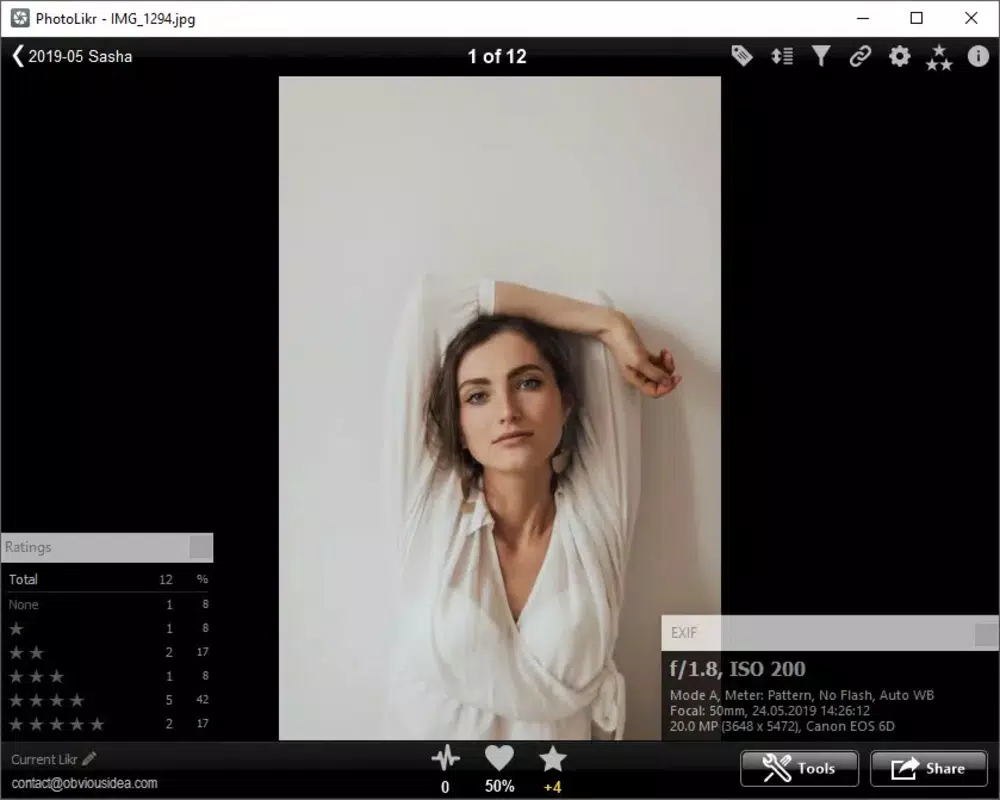
- User-Friendly Rating System: PhotoLikr uses arrow keys for navigation and rating, allowing users to assign scores to images with minimal effort. This system supports rapid review sessions, making it ideal for sorting through hundreds of photos in a short time. For example, a user can quickly rate vacation snapshots during a weekend, marking favorites for future sharing or backup.
- Multi-Format Support: The app handles popular image formats such as JPG, PNG, TIFF, and multiple RAW variants. This ensures compatibility with high-resolution files from professional cameras and smartphones. As new formats emerge, regular updates are expected to maintain support, keeping the app relevant across evolving device ecosystems.
- Quick Sharing Functionality: Once photos are rated, users can share them directly to cloud services like Dropbox and Google Drive, or post them on social media platforms. This feature reduces the number of steps required to preserve or showcase memories, enhancing the overall user experience.
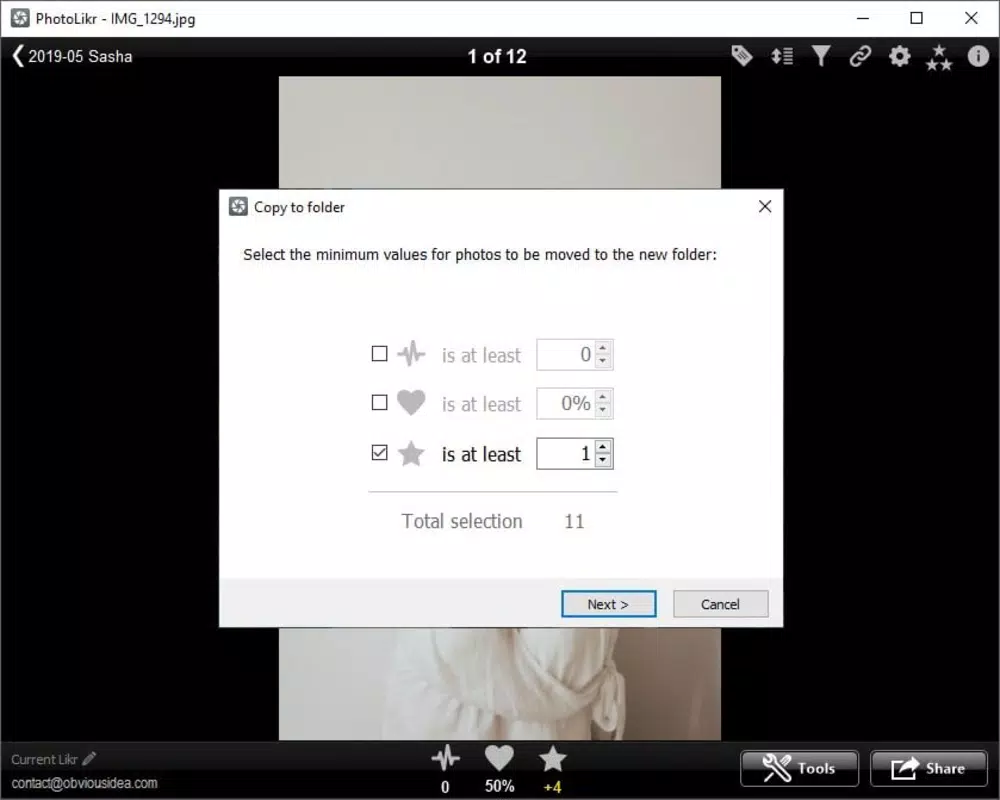
- Efficient Folder Rating: Users can rate entire folders in minutes, enabling bulk organization. This is especially useful for users with large collections who want to separate cherished images from less significant ones. The ability to categorize by preference streamlines access to the most valued photos.
Interface, UX & Performance
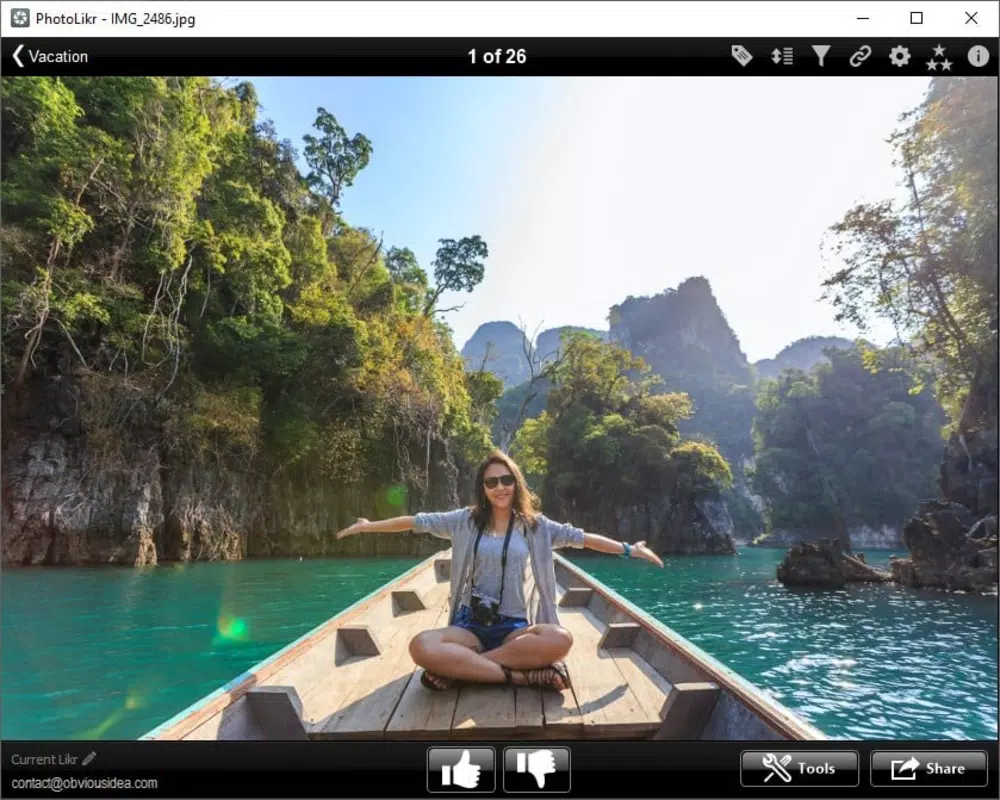
PhotoLikr features a clean, minimal interface optimized for fast photo navigation. The layout centers around a full-screen image view with intuitive arrow key controls for rating and moving between files. The visual style is uncluttered, prioritizing image clarity and ease of interaction. Navigation is linear and predictable, reducing cognitive load during extended photo review sessions.
Although the developer did not list formal performance metrics, the app appears to be designed for responsiveness across various device categories. Users can expect smooth transitions between images and consistent performance when rating files or initiating shares. Stability during long sessions has not been reported, but the streamlined design suggests efficient memory usage. The app’s lightweight nature supports quick loading times, even on mid-tier devices. Compatibility with different screen sizes and orientations was not explicitly detailed, but the interface’s simplicity implies broad adaptability.
Platform Compatibility & Technical Requirements
PhotoLikr is available on Android and iOS platforms. The app’s software version is 1.0.0, with a file size of 15.4 MB. Specific operating system requirements were not listed by the developer. The developer did not specify minimum OS versions or hardware prerequisites, so users should ensure their device meets general mobile app standards for installation and operation.
Pros and Cons
Pros
- Simple, intuitive rating system using arrow keys for fast navigation and evaluation.
- Supports a wide variety of image formats, including RAW and common types like JPG and PNG.
- Efficient bulk folder rating enables rapid organization of large photo libraries.
- Integrated sharing tools allow direct uploads to cloud services and social platforms.
- Lightweight design with minimal system resource usage.
Cons
- Specific technical requirements were not disclosed by the developer.
- No information was provided about cloud sync or backup features beyond sharing.
- Advanced editing or tagging capabilities were not mentioned.
- Offline functionality details were not specified.
- Availability on other platforms beyond Android and iOS was not confirmed.
FAQ
Is PhotoLikr available for free?
PhotoLikr is available for download, but pricing details were not provided in the official release information. Users should check the app store listing for current pricing and availability.
Can I use PhotoLikr to organize RAW images?
Yes, the app supports multiple RAW formats, along with common image types such as JPG, PNG, and TIFF. This makes it suitable for users working with high-resolution or professional-grade photos.
Does PhotoLikr support automatic backups?
The developer did not specify automatic backup features. However, users can manually share rated photos to cloud services like Dropbox or Google Drive for safe storage.
Is PhotoLikr secure when sharing photos?
While the app enables direct sharing to trusted platforms, specific security protocols were not disclosed. Users are advised to review the privacy policies of connected services before uploading sensitive images.
How often are updates released?
Regular updates are mentioned to maintain format support, suggesting ongoing development. However, the update frequency was not specified by the developer.
Final Thoughts
PhotoLikr offers a focused, efficient solution for users overwhelmed by their photo collections. Its simple rating system, broad format compatibility, and quick sharing tools make it a practical utility for organizing digital memories. While advanced features like tagging or AI-based sorting are absent, the app excels in its core purpose: helping users identify and manage their favorite images with minimal friction. The lightweight design ensures it runs smoothly on a variety of devices, making it accessible to a wide audience.
Whether you're a casual photographer, a traveler with hundreds of pictures, or someone seeking to declutter their digital life, PhotoLikr delivers tangible value. It’s a reliable tool for those who prioritize speed, simplicity, and functionality over complex features. For anyone looking to enhance their photo management workflow, this app stands out as a solid choice.
Download PhotoLikr now


